One click.
Every display in place.
Save display layouts and switch between them instantly.
Free for 30 days · No account required
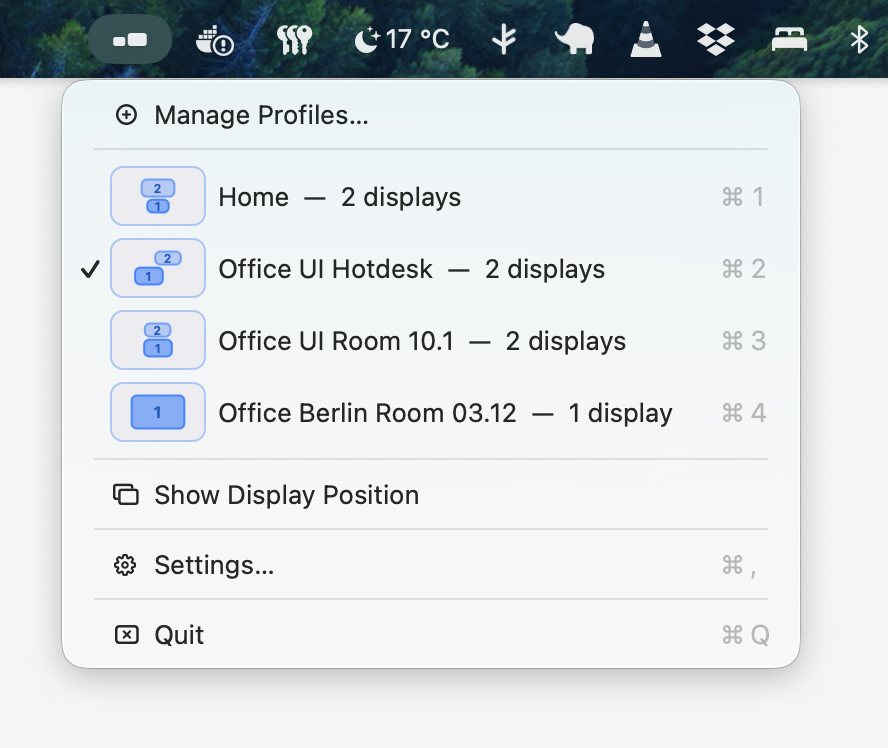
Save display layouts and switch between them instantly.
Free for 30 days · No account required
Profiles
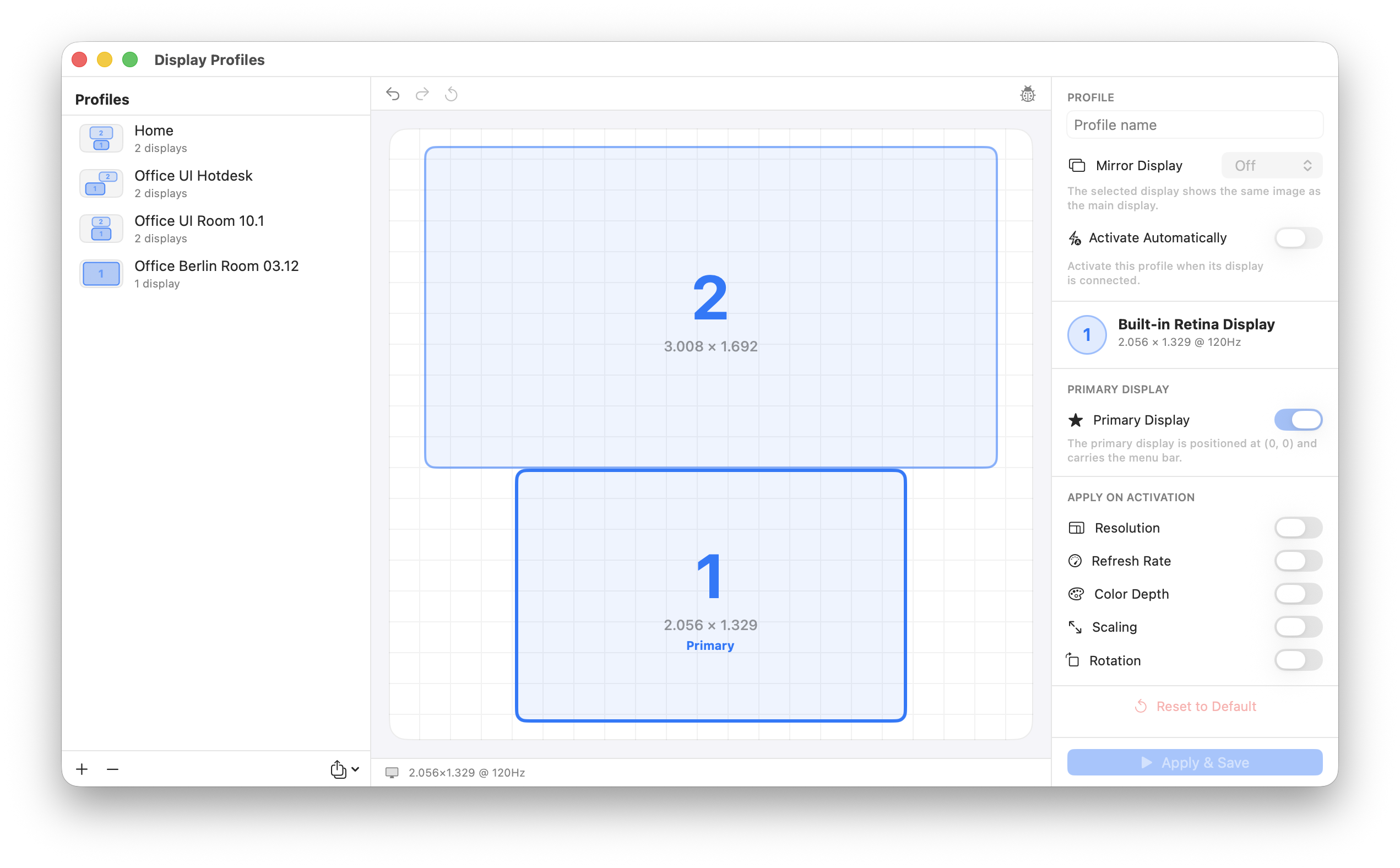
Save any number of display arrangements by name. Name them however makes sense to you.
Instant Apply
One click repositions every connected display. No dragging. No System Settings.
Per-Display Control
Override resolution, refresh rate, and scaling per monitor — saved per profile.
Try it. You'll never drag displays in the system menu again.
The App
€10
One-time purchase. No subscription. Free 30-day trial.
No credit card required · Buy when you're ready